Hardware Review · Purchased June 16, 2022 · $187.25 CAD via Amazon.ca
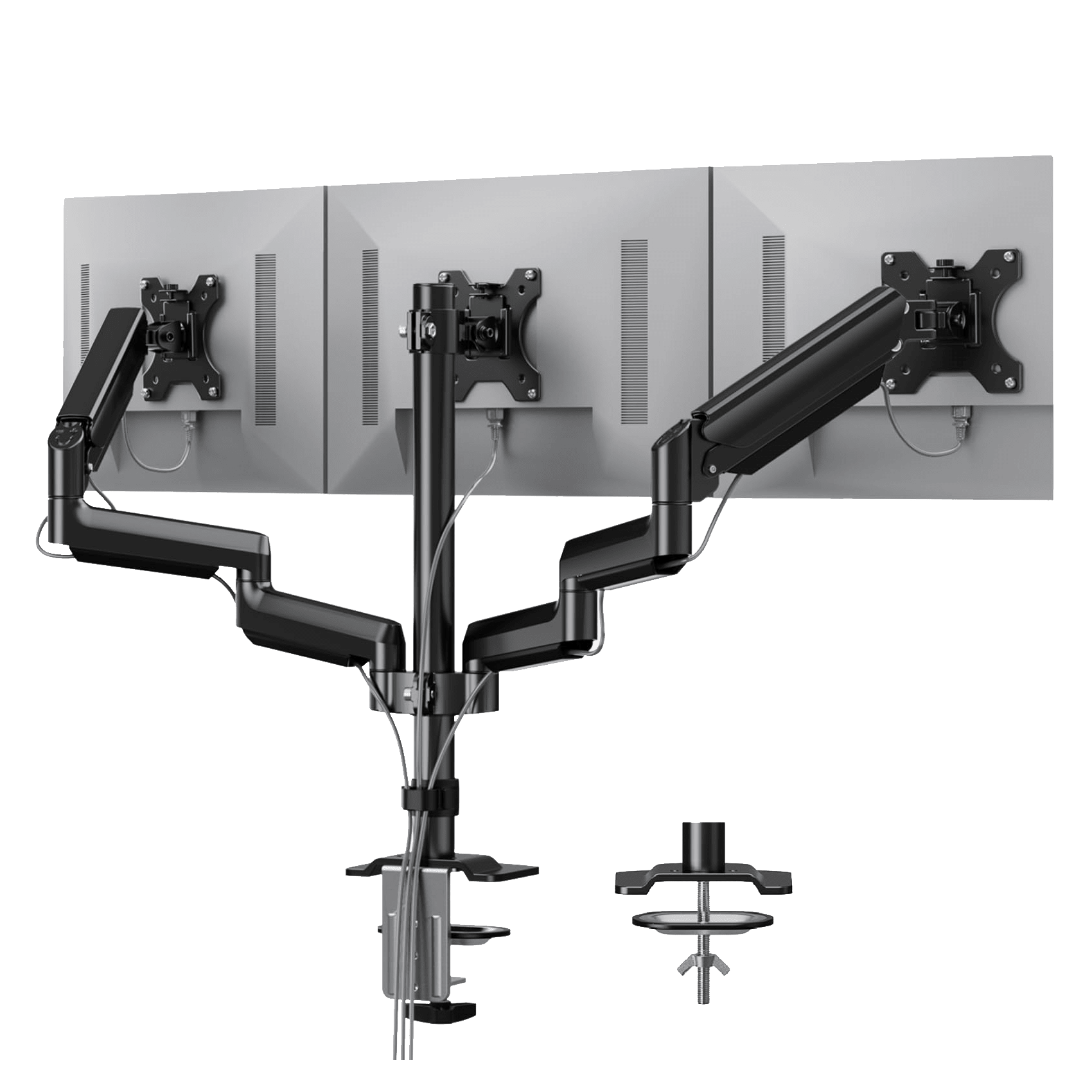
The Setup
HUANUO’s triple monitor mount is a desk-clamp arm system holding three 13″–27″ monitors via VESA 75×75/100×100 mounting, using gas-spring arms for tool-free height, tilt, swivel, and rotation adjustment. The pitch is simple: consolidate three separate monitor bases onto a single clamp and get the desk space back.
The Review
The gas-spring arms are the whole selling point and they deliver — one-finger height and angle adjustments with no tools involved, which makes it genuinely easy to reposition monitors on the fly rather than fighting with a stand. The aluminum build feels solid for what it costs, and the full range of tilt, swivel, and rotation covers pretty much any setup you’d want to configure.
Getting there took some patience, though. My lightest monitor needed a solid 10-15 minutes of spring-tension calibration before it stopped drifting downward on its own, and the single center-pole design has a bit of wobble on my desk, which isn’t the sturdiest surface to begin with. Once dialed in, it’s been reliable, and the desk space reclaimed from ditching three separate stands is a genuinely bigger improvement than I expected going in.
What I Liked
- Tool-free, one-finger height and angle adjustment via gas-spring arms
- Solid aluminum build quality for the price
- Full tilt, swivel, and 360° rotation range
- Frees up a meaningful amount of desk space versus three separate stands
What I Didn’t
- Lighter monitors needed real spring-tension calibration time to stop drifting
- Single center-pole design can wobble on less stable desks
- Desk clamp installation took some trial and error to get level
The Verdict
Rating: 4/5
A little setup patience required, but a genuinely good value way to consolidate a three-monitor setup and get real desk space back.
Where to Buy
- HUANUO product page (also on Amazon.ca)

